Audit log
The audit log records every significant action inside your organization: who did what, when, and on which resource. It's the go-to place when you need to understand a change.
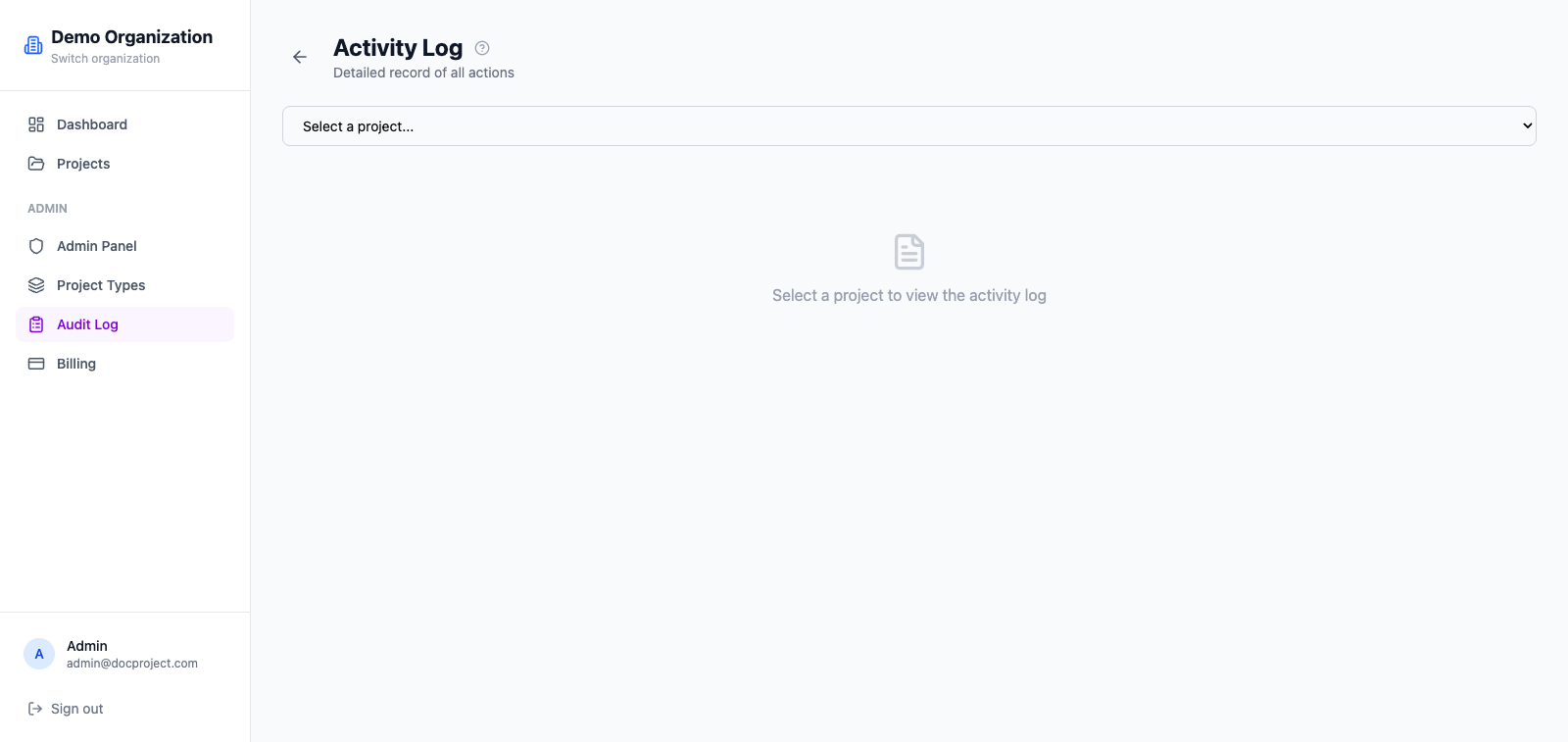
Open the audit log
- 1Go to Admin → Audit log.
- 2Use the filter bar to narrow down by user, action type, resource, or date range.
- 3Click any row to see the full event payload.
What's logged
The log captures organization- and project-level activity:
- 1Logins, logouts and device registrations.
- 2Invitations sent, accepted and cancelled.
- 3Project, folder and document creations, renames, moves and deletions.
- 4Access rule changes.
- 5Plan changes and billing events.
Export
The current filtered view can be exported to CSV for reporting or compliance purposes.
- 1Apply the filters you need.
- 2Click "Export CSV".
- 3A file downloads with all matching events.