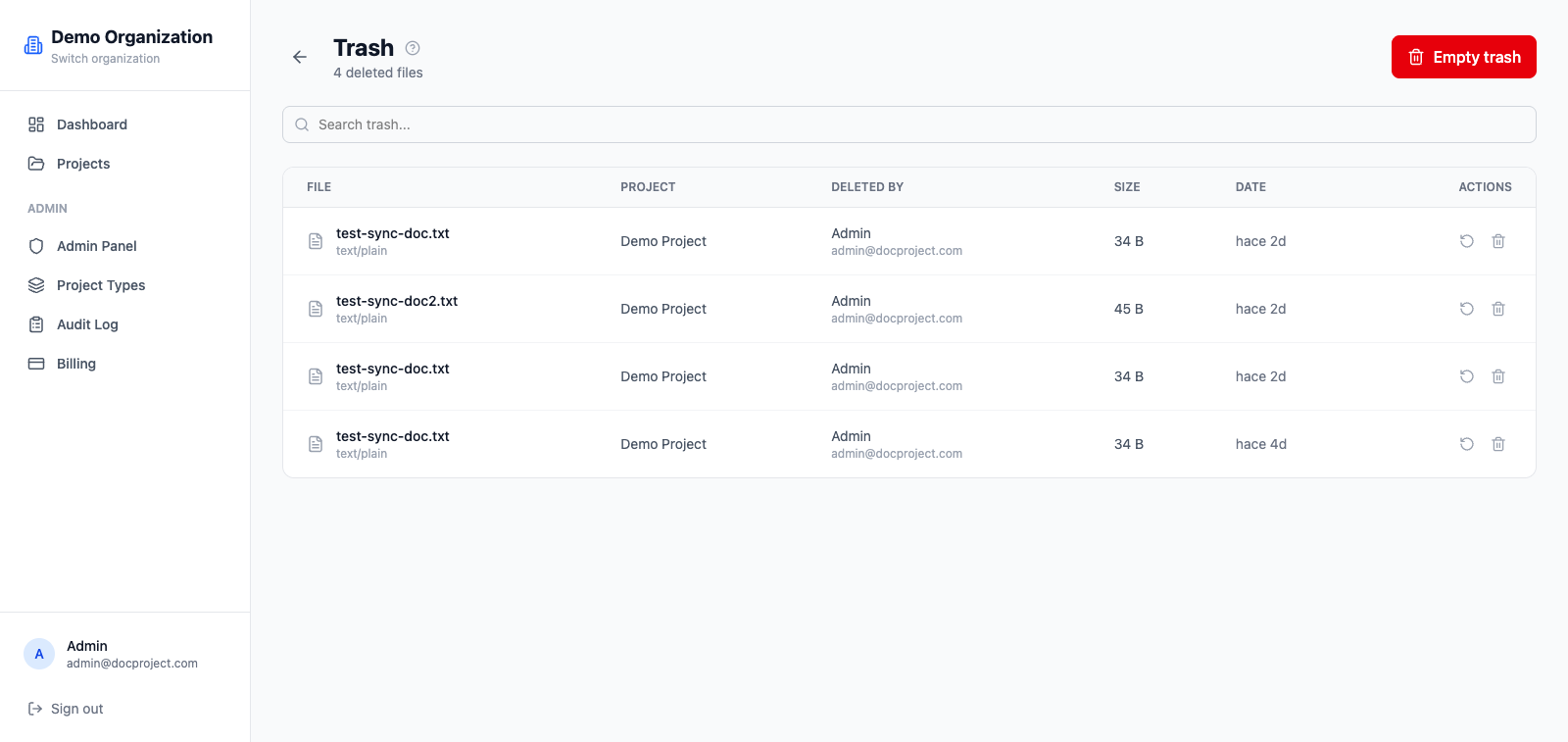
Trash
Deleted documents, folders and projects land in the trash, where they can be restored for 30 days before being permanently removed.
Open the trash
- 1Go to Admin → Trash.
- 2Use the filters to narrow by type, project, deleted-by or date.
- 3Click any row to see details.
Restore an item
Restoring brings the item back to its original location with the same permissions and history.
- 1Locate the item in the trash.
- 2Click "Restore".
- 3If the original folder was also deleted, it is restored too.
Delete permanently
If you want to free space immediately or comply with a data removal request, you can hard-delete any item.
- 1Locate the item.
- 2Click "Delete permanently" and confirm.
- 3The action is irreversible.
💡 Items older than 30 days are deleted automatically by a nightly cleanup job.