Members & roles
Invite people to your organization and assign them a role that controls what they can see and do.
Invite a new member
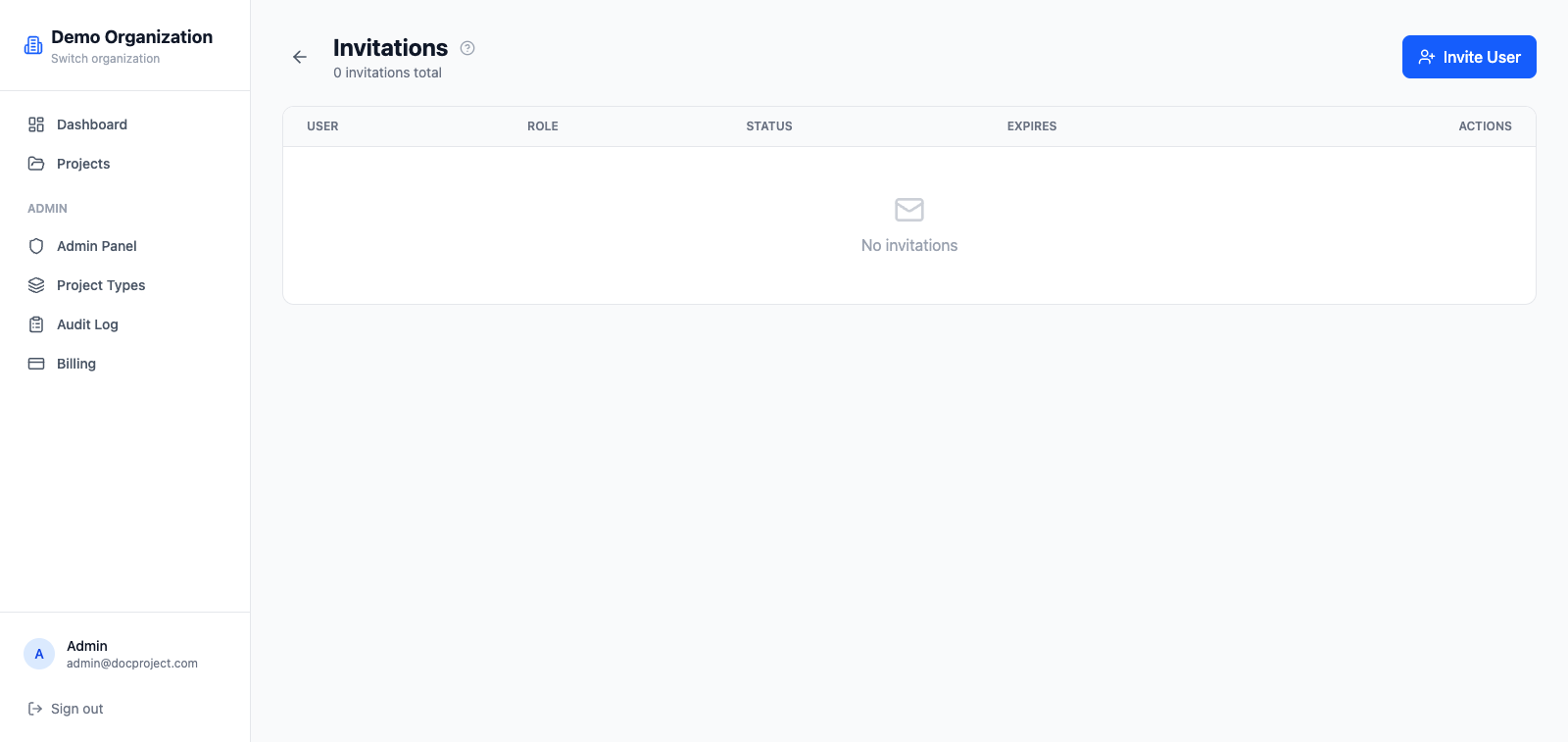
Invitations are sent by email. Each invite produces a unique link that expires after 7 days.
- 1Go to Admin → Invitations.
- 2Enter the invitee's email and pick a role (Admin, Member, Viewer).
- 3Click "Send invitation". They'll receive an email with a link to accept and set their password.
Organization roles
Every membership has one of three roles:
- 1OWNER: full control, including deleting the organization. Only one per org.
- 2ADMIN: manage members, projects, invitations, settings and billing.
- 3MEMBER: access projects they belong to; permissions can be refined per project.
Granular permissions
On top of the role, each member has a set of toggles that enable or disable specific actions across the organization.
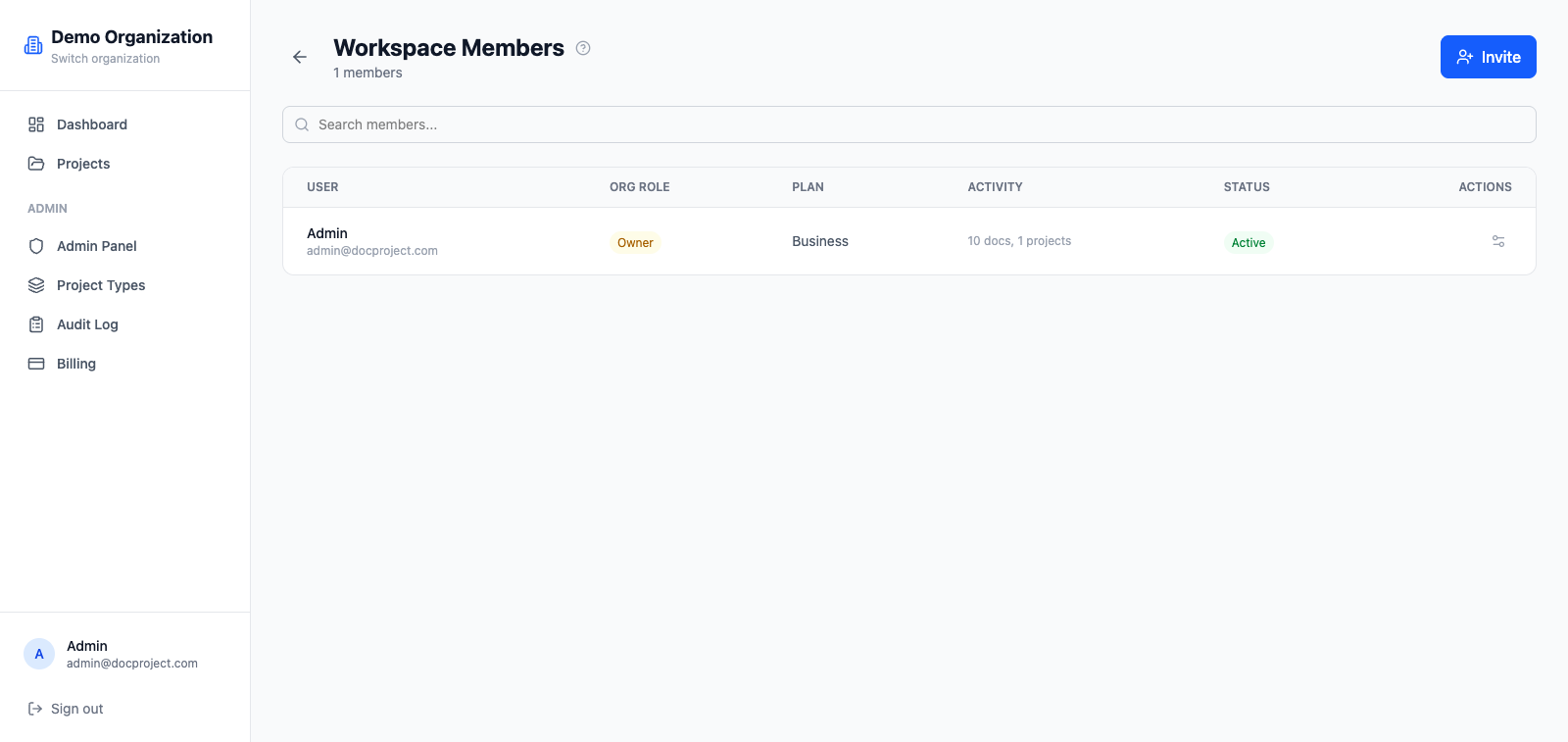
- 1Open Admin → Users and pick a member.
- 2Toggle the permissions you want: create projects, create folders, edit files, delete files, invite members, manage access.
- 3Save. Changes take effect immediately, even in open sessions.
💡 Leave "manage access" off for members who should work on files but not decide who else can see them.
Remove a member or change their role
You can demote, promote or remove any member except the OWNER.
- 1Open Admin → Users.
- 2Click the menu on the member's row.
- 3Choose "Change role" or "Remove". Removal is immediate and revokes all active sessions.