Profile
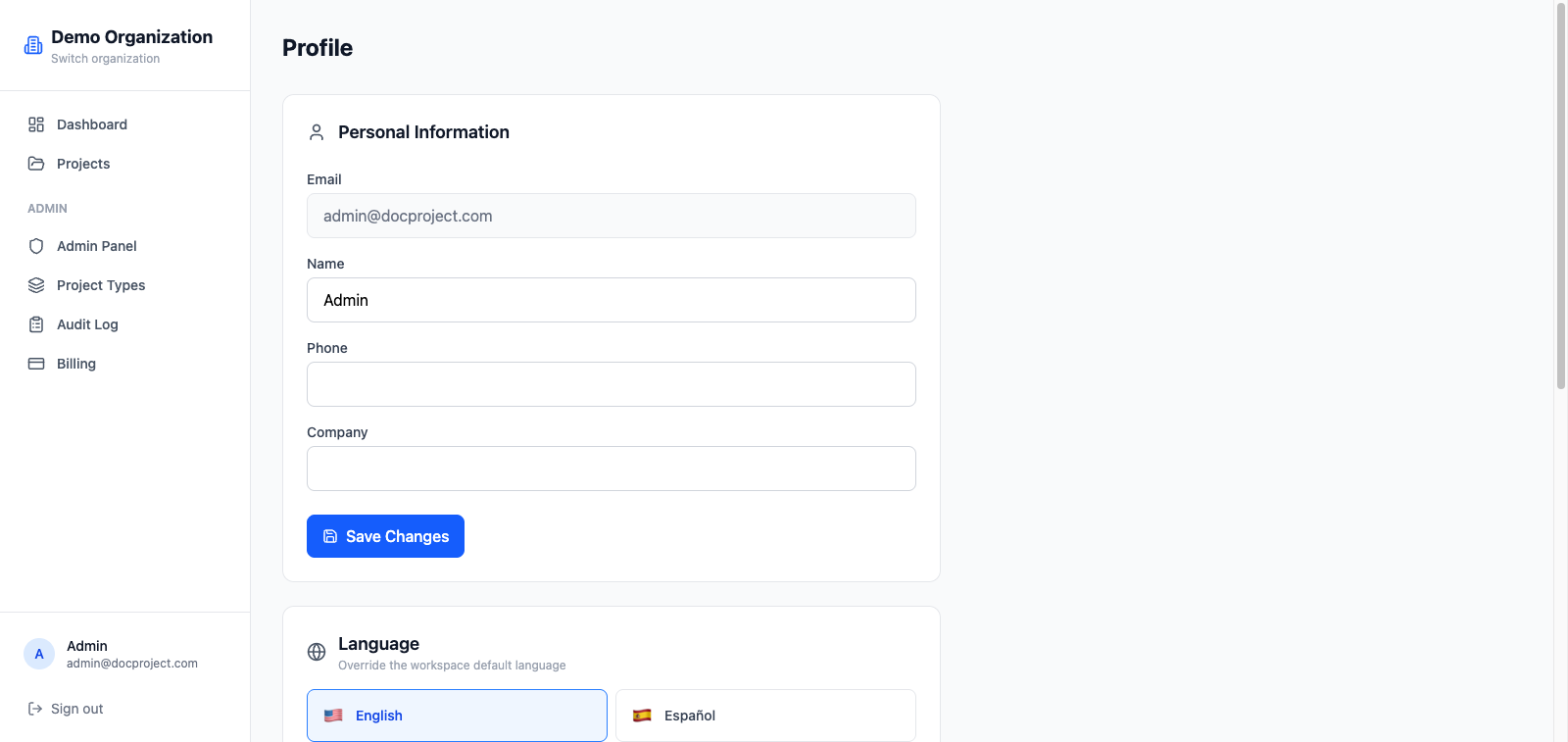
Your profile holds information that is shared across every organization you belong to: name, avatar, password and language.
Edit personal info
- 1Click your avatar in the top-right corner.
- 2Select "Profile".
- 3Update your name, phone, company or avatar URL.
- 4Click "Save".
Change your password
You'll need your current password to pick a new one. After changing, other devices stay signed in but the desktop app will ask for the new credentials the next time it authenticates.
- 1Open Profile.
- 2Click "Change password".
- 3Enter the current password and pick a strong new one.
Language
Foliato is available in English, Spanish, Japanese and French. The language set in your profile overrides the organization default.
- 1Open Profile.
- 2Pick a language from the dropdown.
- 3The UI refreshes immediately.
Linked devices
From your profile you can jump to "Synced devices" to see and revoke any desktop app that's connected to your account. See the Devices guide for details.