Plans & billing
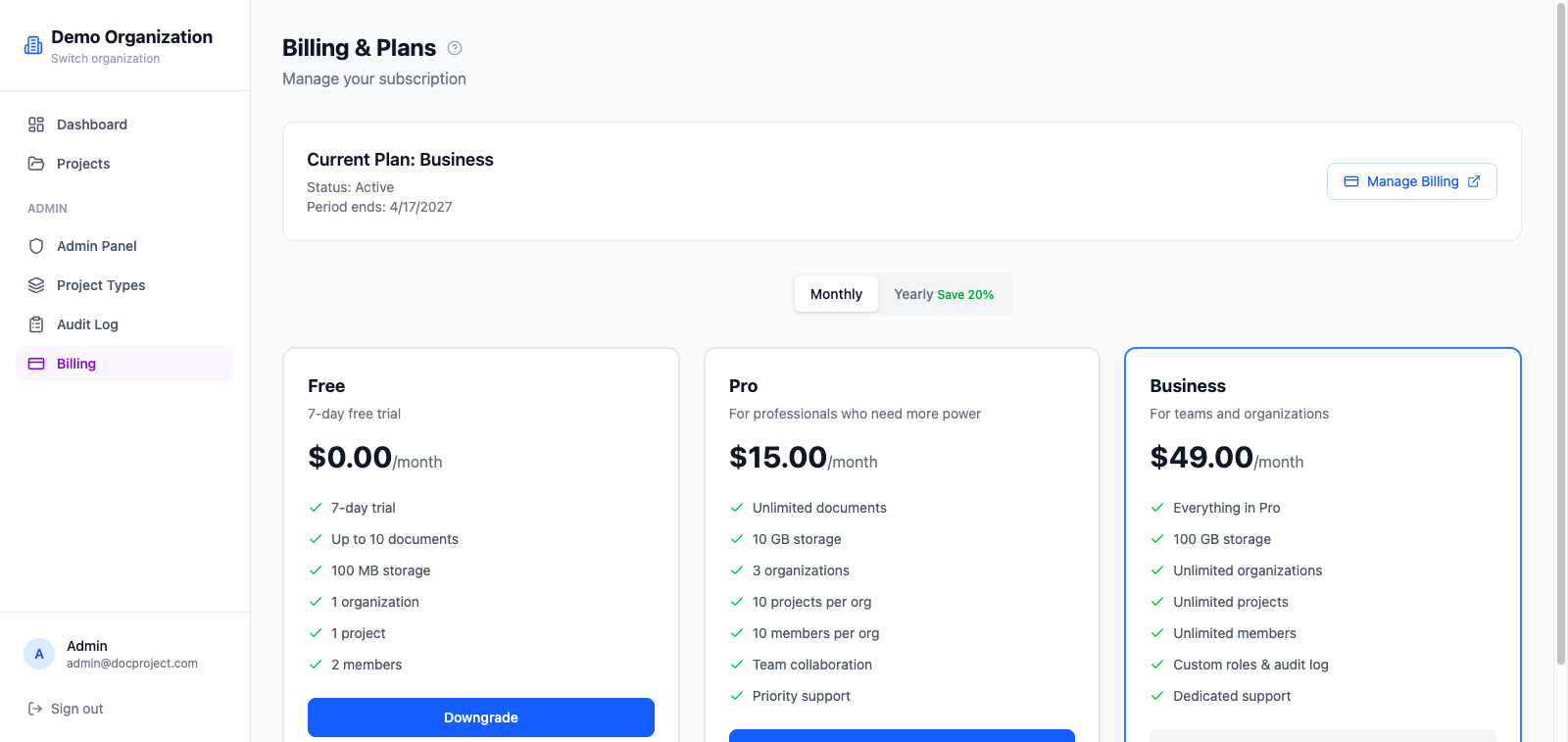
Foliato offers three plans (Free, Pro and Business) with increasing limits and features. Subscriptions are handled by Stripe with a 7-day trial on every paid plan.
Compare plans
Each plan defines limits for projects, documents, storage, members and synced devices. The billing page shows the up-to-date matrix.
Subscribe
- 1Go to Billing from the sidebar.
- 2Pick monthly or yearly (yearly includes a discount).
- 3Click "Choose plan" on the tier you want.
- 4You are redirected to Stripe Checkout to enter payment details.
- 5After checkout, the subscription is activated immediately.
Upgrade or downgrade
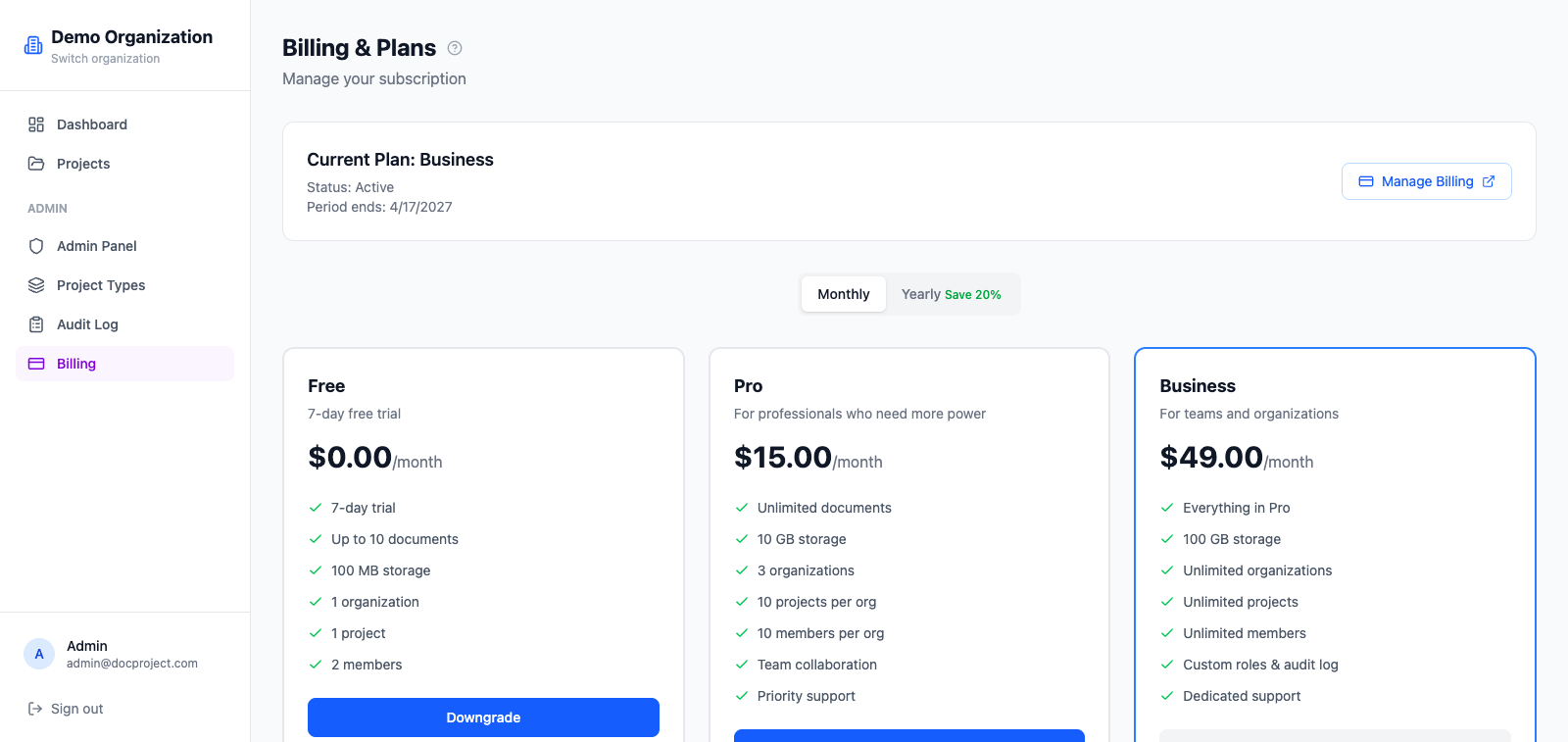
You can change plans at any time. Upgrades are prorated and take effect immediately; downgrades take effect at the end of the current billing period.
- 1Open Billing.
- 2Click "Change plan" on the current card.
- 3Pick the new plan and confirm.
Cancel
You can cancel at any moment. Your organization keeps full access until the end of the current period, then enters read-only mode for 30 days before data is deleted.
- 1Open Billing.
- 2Click "Cancel subscription".
- 3Confirm. There are no refunds for partial periods.
💡 To pause instead of cancelling, contact support; we can freeze your workspace without deleting data.
Invoices and receipts
Every charge generates a PDF invoice that you can download from the billing page or from the email Stripe sends after each payment.