Project members
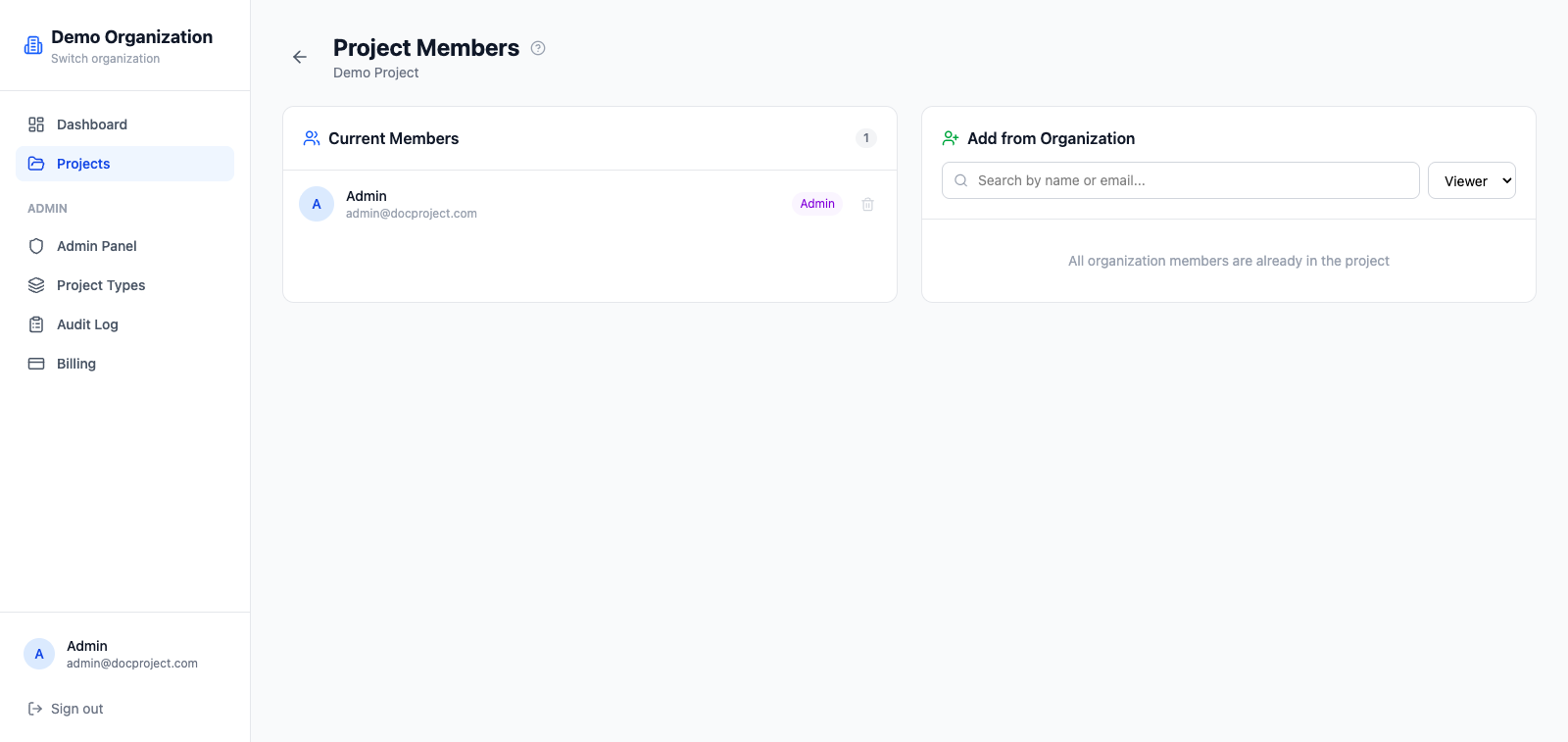
Each project has its own member list, independent of the organization. A user can belong to the org but only to selected projects.
Project-level roles
Within a project, members have one of three roles:
- 1ADMIN: full control on the project, including access rules and deletion.
- 2EDITOR: can create, upload, rename, move and delete documents.
- 3VIEWER: read-only access with preview and download, but no changes.
Add someone to a project
- 1Open the project and click "Members" in the top navigation.
- 2Click "Add member" and pick an organization member.
- 3Choose their project role and save.
Change role or remove
Project admins can change any member's role or remove them. The organization OWNER always keeps access.
- 1Open Members inside the project.
- 2Click the menu on the row.
- 3Pick "Change role" or "Remove from project".