Getting started
This guide takes you from zero to your first synced document in under 10 minutes.
Create your account
Sign up with your work email. Every plan includes a 30-day trial with full access.
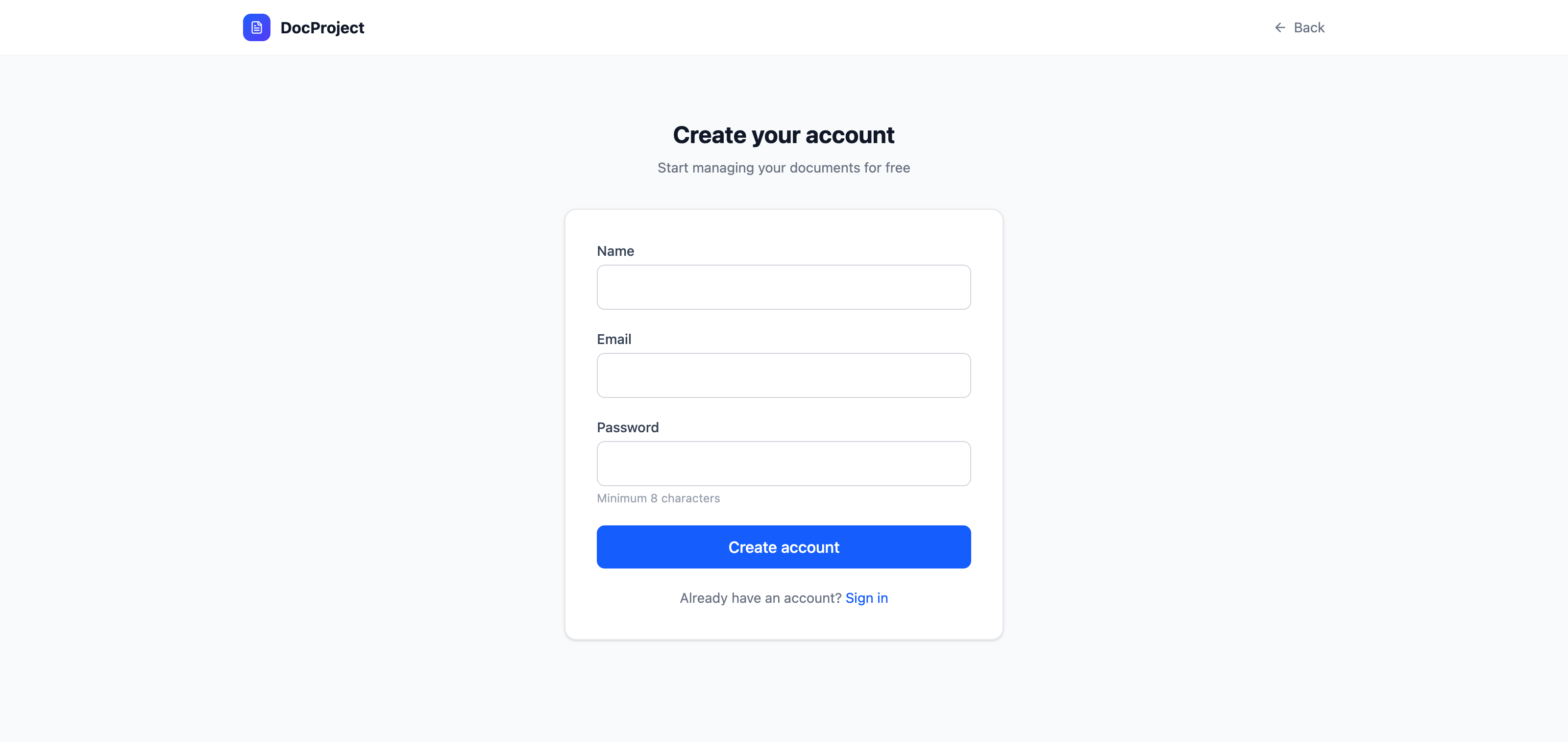
- 1Open the landing page and click "Start for Free".
- 2Enter your name, email, and a strong password.
- 3Check your inbox and confirm your email (if your server requires it).
Create your first organization
Organizations are the top-level container. Each one can hold multiple projects, members, and documents.
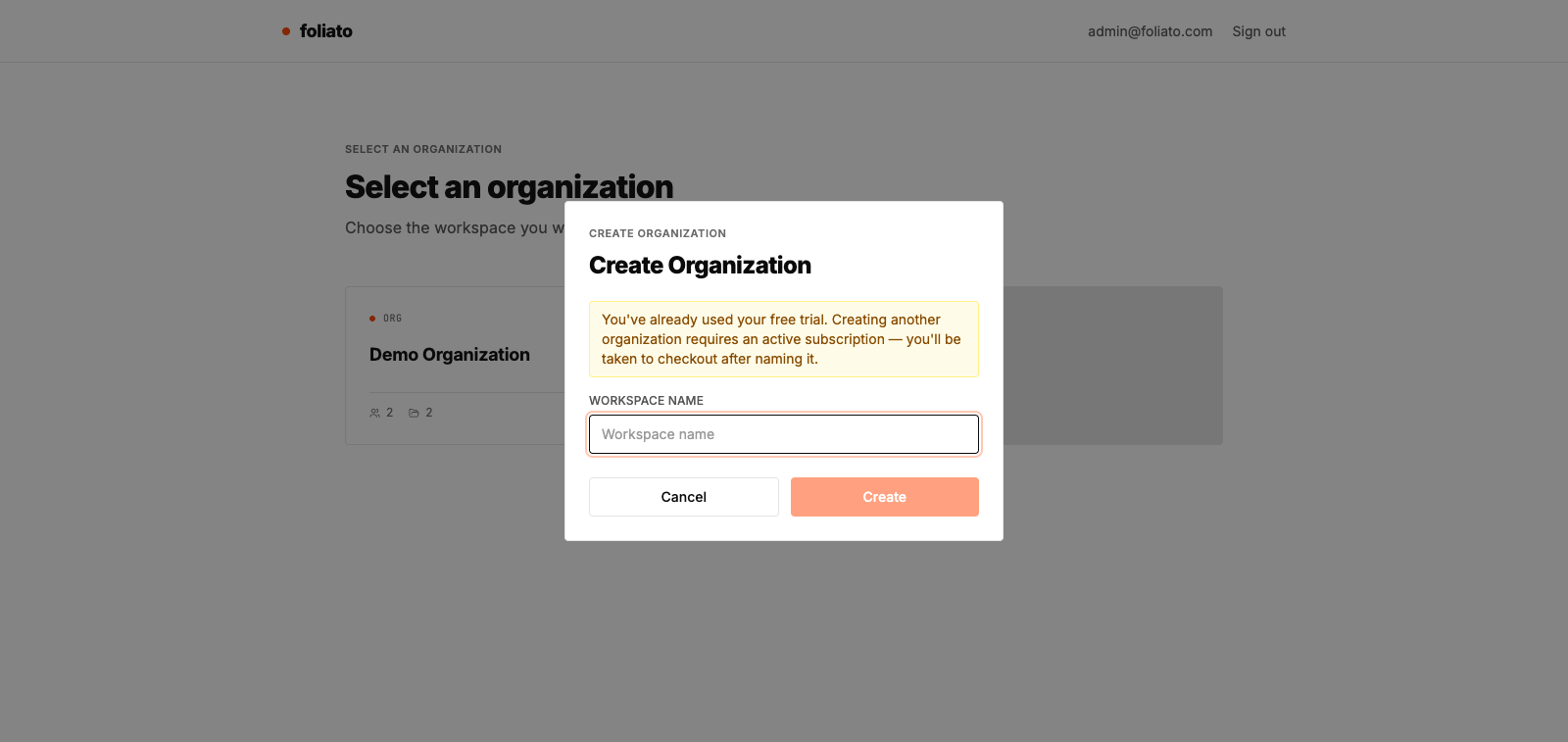
- 1After registration you'll be redirected to the organization selector.
- 2Click "Create organization" and enter a name.
- 3You'll automatically be assigned as the OWNER.
💡 You can belong to multiple organizations, which is useful when you work with several clients or brands.
Invite your team
Invite colleagues by email. Each invitation produces a unique link that expires.
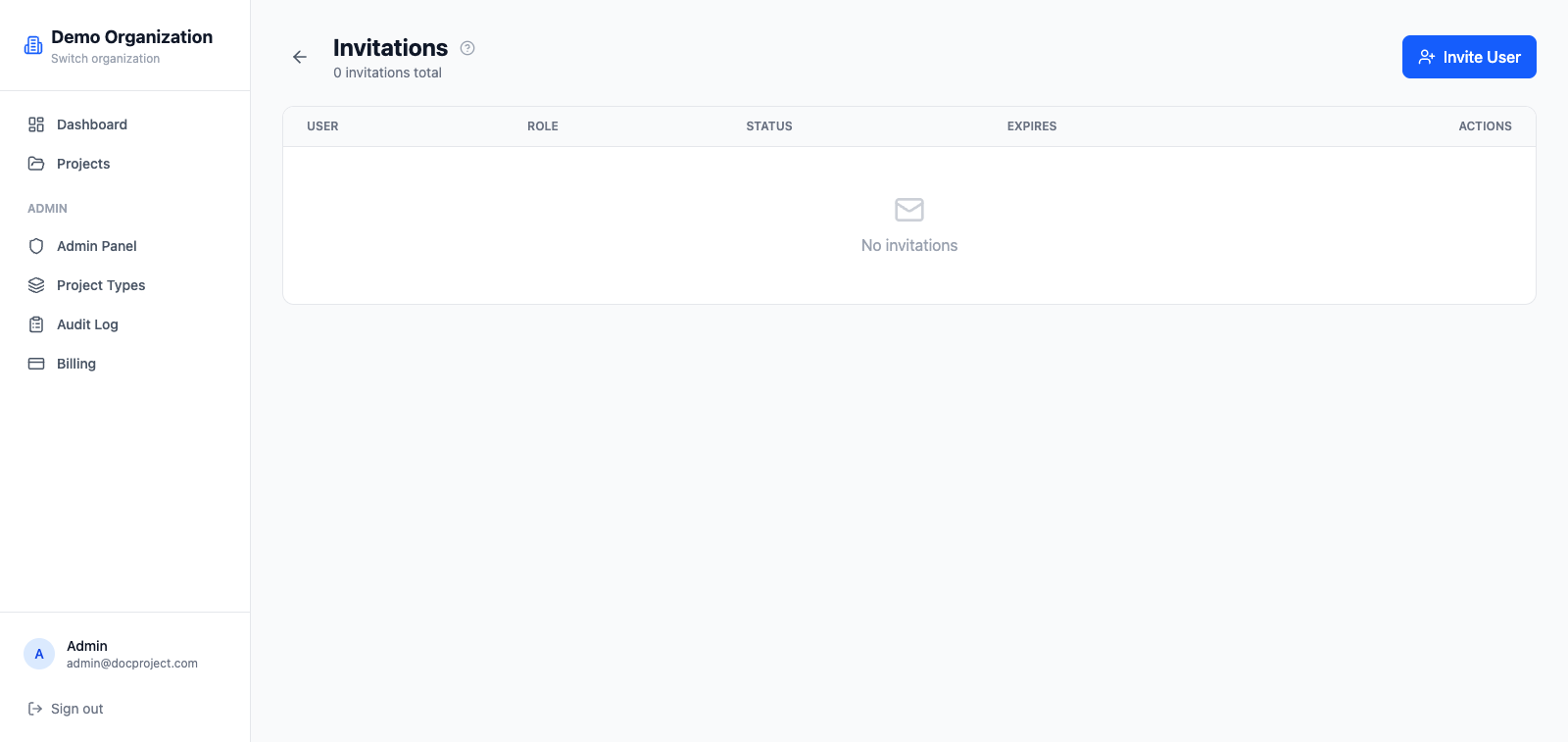
- 1Go to Admin → Invitations.
- 2Enter the invitee's email and pick a role (Admin, Member, Viewer).
- 3The invitee will receive an email with a link to accept and join.