Preview & download
Foliato renders many file types directly in the browser so you don't have to download them just to check what's inside.
Supported previews
The built-in preview supports images (PNG, JPG, GIF, WebP, SVG), PDFs and plain-text files (txt, md, csv, code). Other types can still be downloaded.
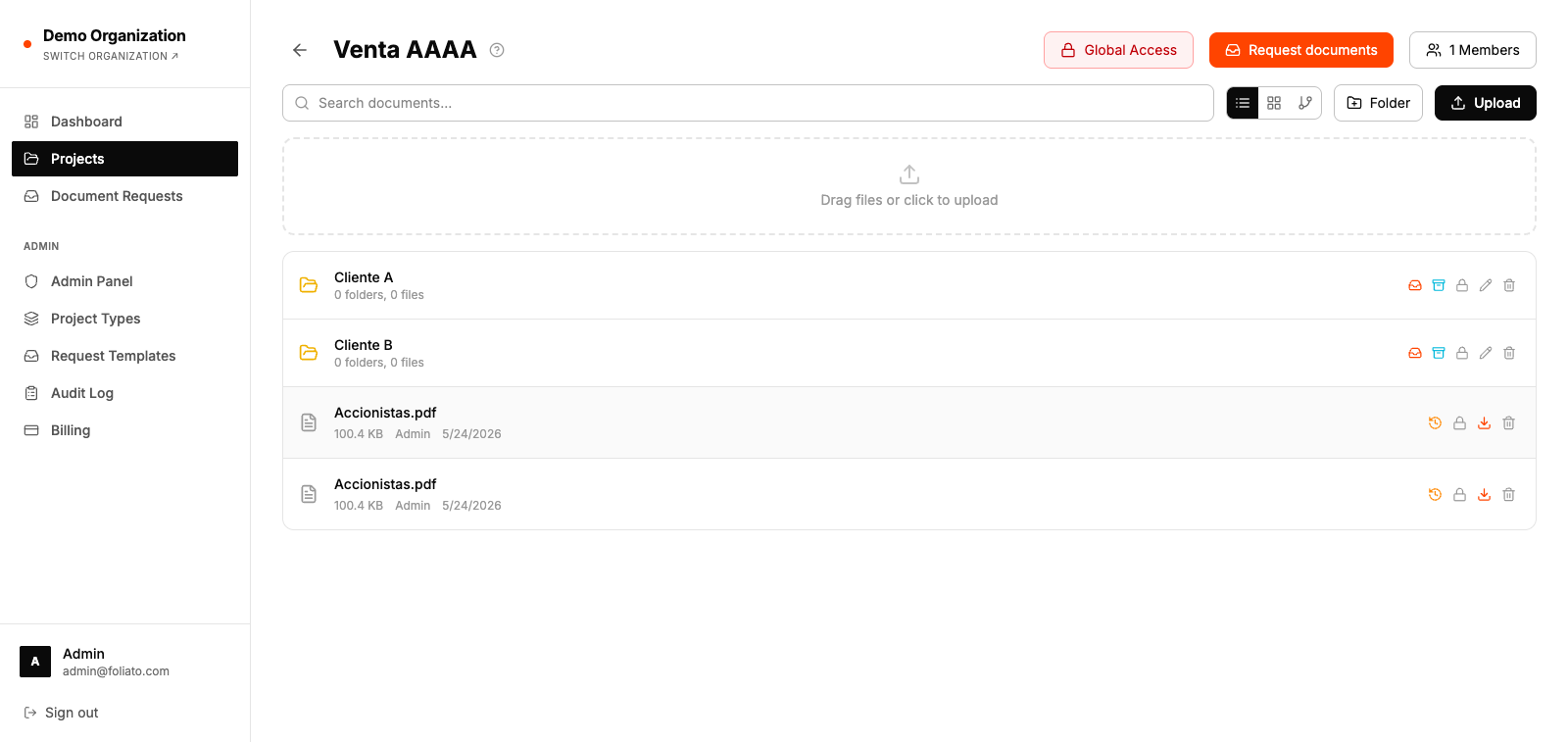
Open the preview
- 1Click a file's name in the list.
- 2The preview opens in a full-screen modal.
- 3Use the arrows or arrow keys to flip between files in the same folder.
Download
From the preview or the menu on a row, you can download the original file, unchanged.
- 1Right-click a file and pick "Download" (or press the download icon in the preview).
- 2To download a folder, right-click it and pick "Download as ZIP".
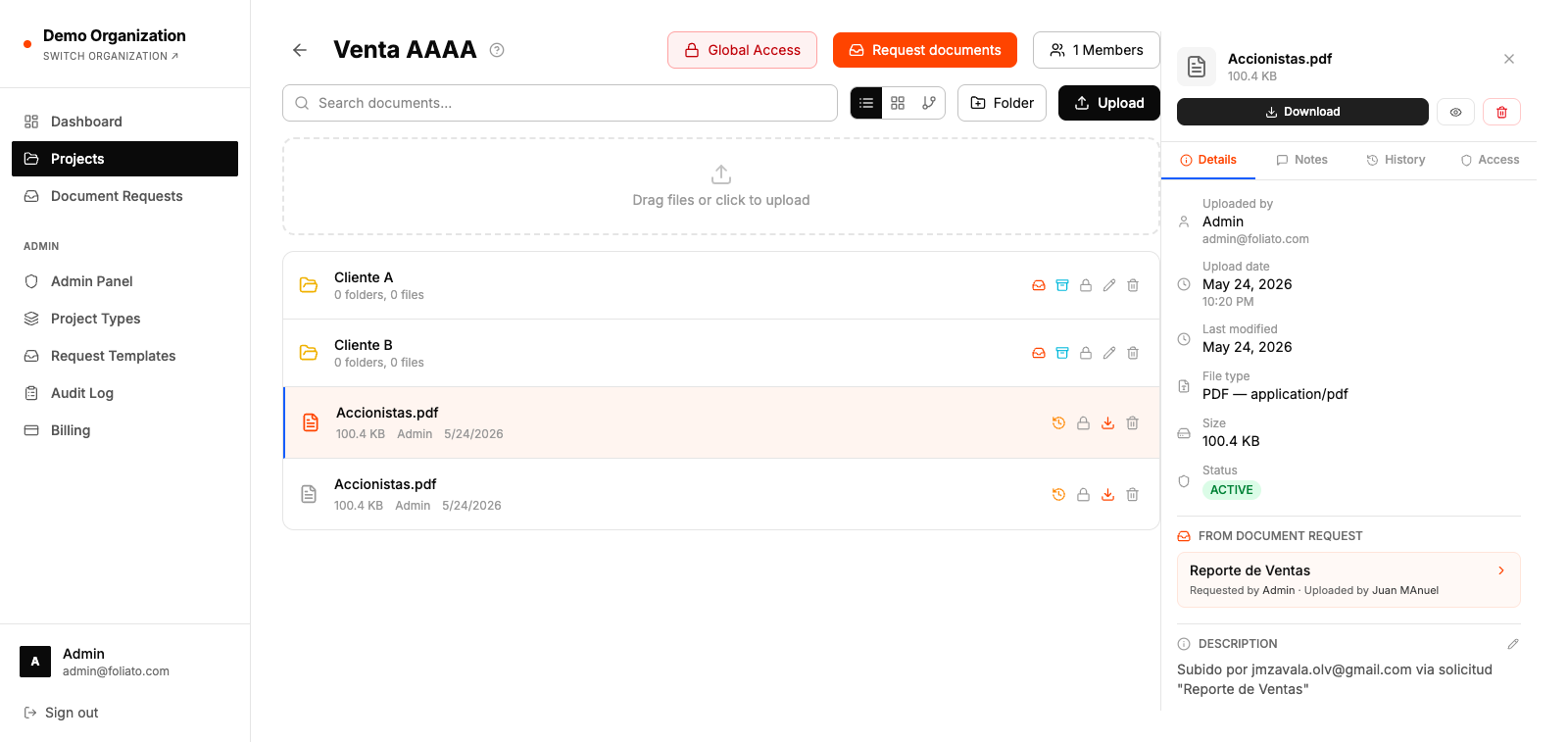
Replace with a new version
To upload a newer version that keeps the same name, permissions and history:
- 1Open the document.
- 2Click "Replace" in the toolbar.
- 3Pick the new file from your disk.
- 4The old version is preserved in the file history.