Organizations
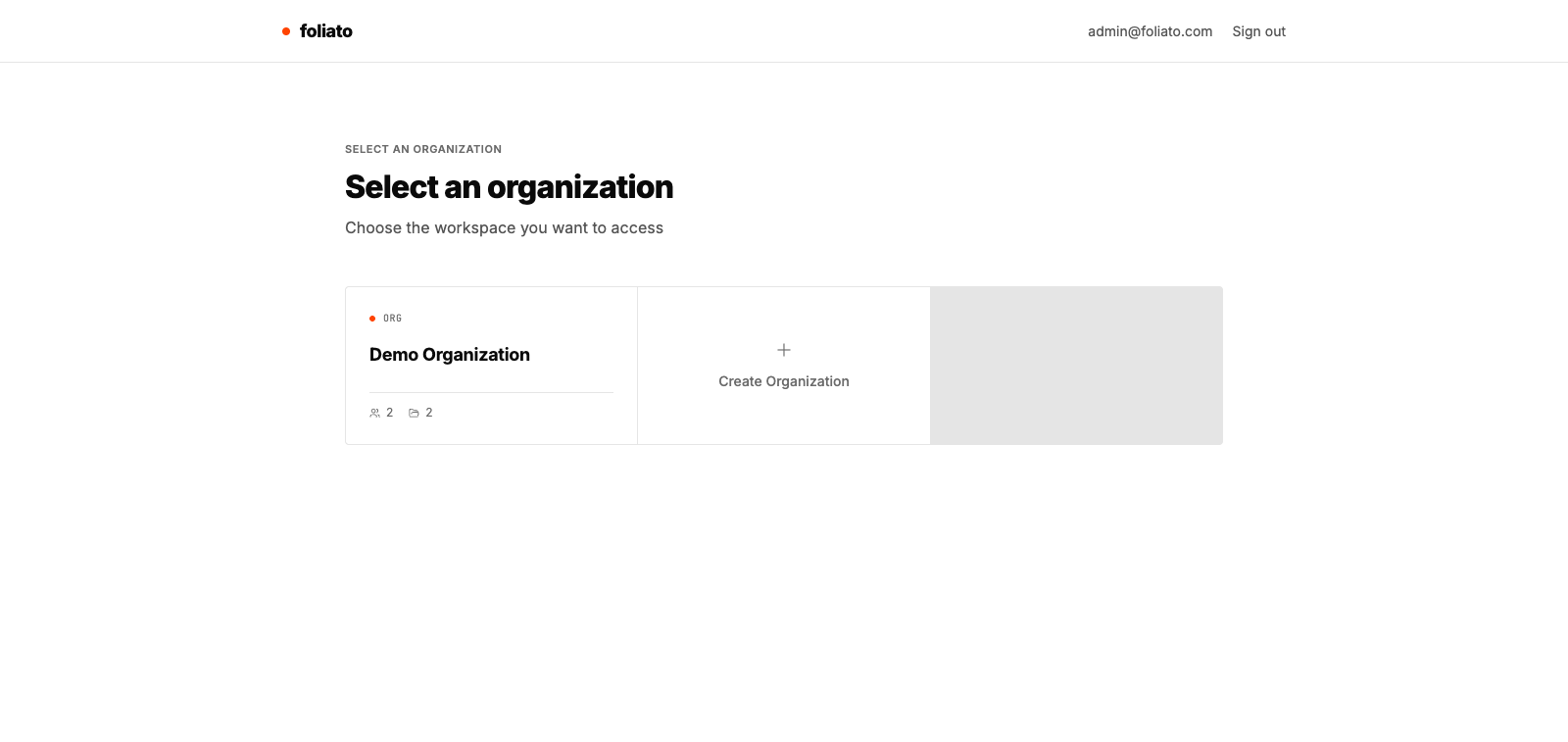
Organizations are the top-level container in Foliato. They hold projects, members and billing. You can belong to multiple organizations.
Create an organization
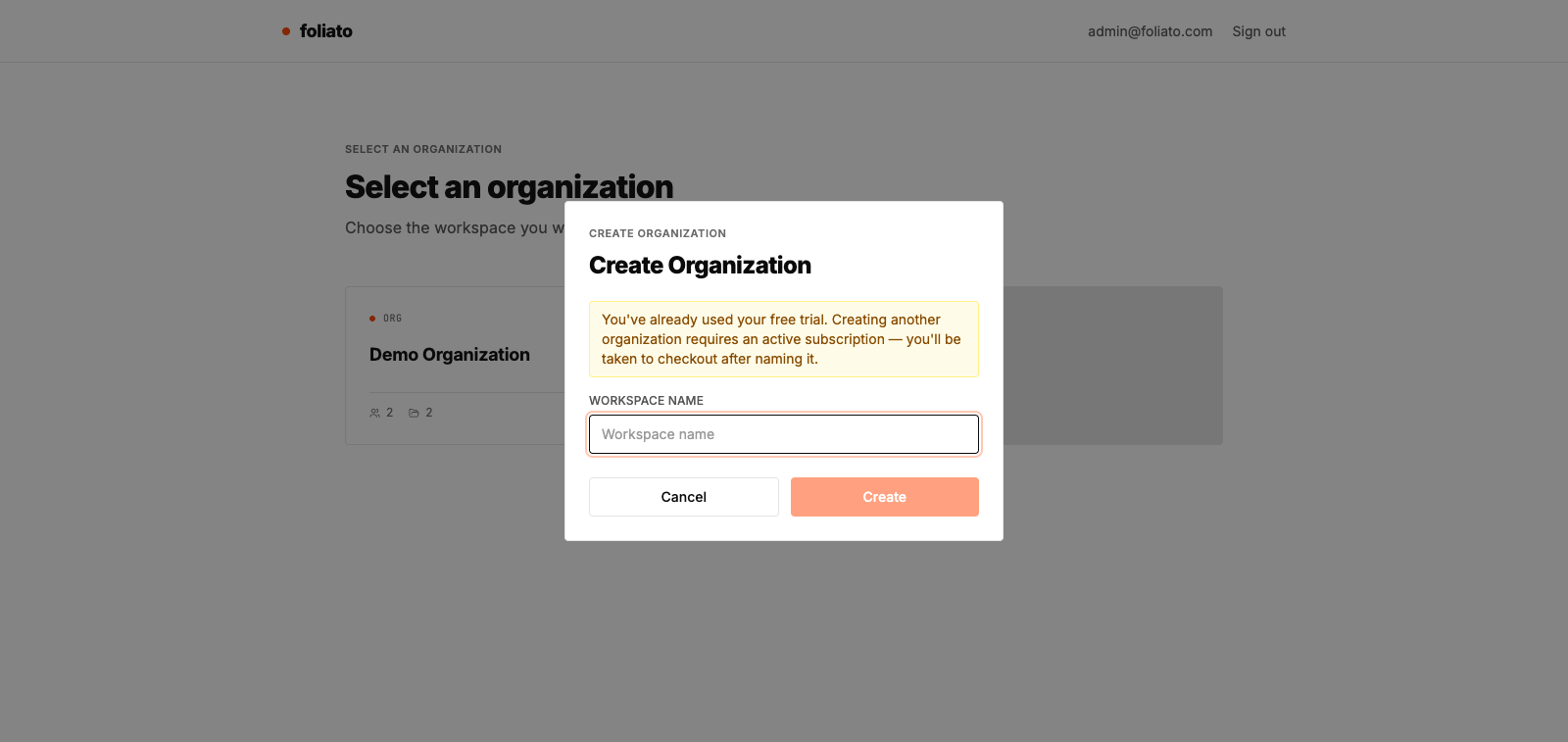
If you don't belong to any organization yet, you are sent to the organization selector right after signing in.
- 1From the selector, click "Create organization".
- 2Enter a name (you can change it later).
- 3You automatically become the OWNER of the new organization.
Switch between organizations
If you belong to more than one, the selector shows on every login. You can also switch at any moment from the top-right menu.
- 1Click your avatar in the top-right corner.
- 2Select "Switch organization".
- 3Pick the org you want to work in.
Rename and default language
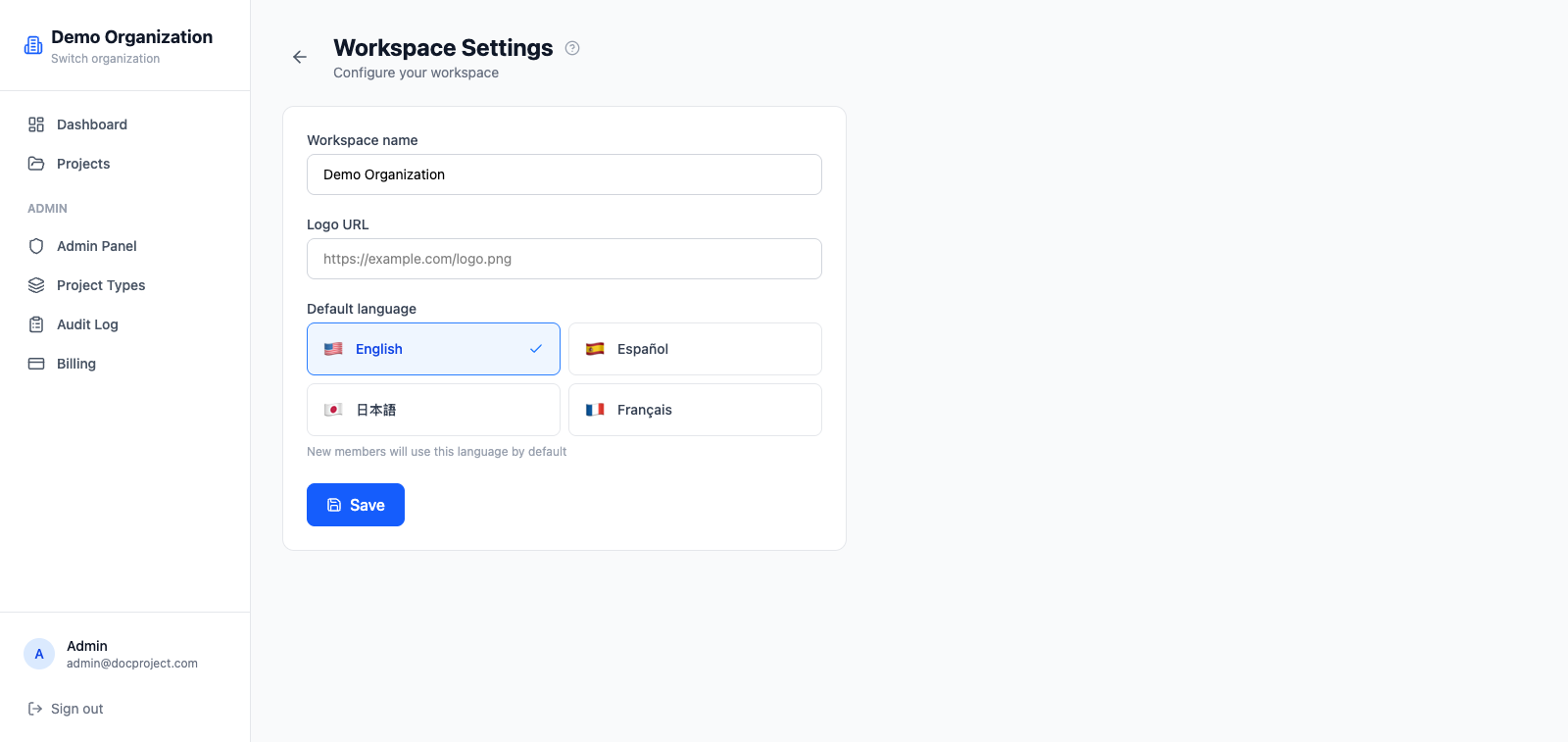
The owner or an admin can update basic settings at any time.
- 1Go to Admin → Settings.
- 2Change the name or the default language.
- 3Click "Save". Changes apply right away for everyone.
Company logo
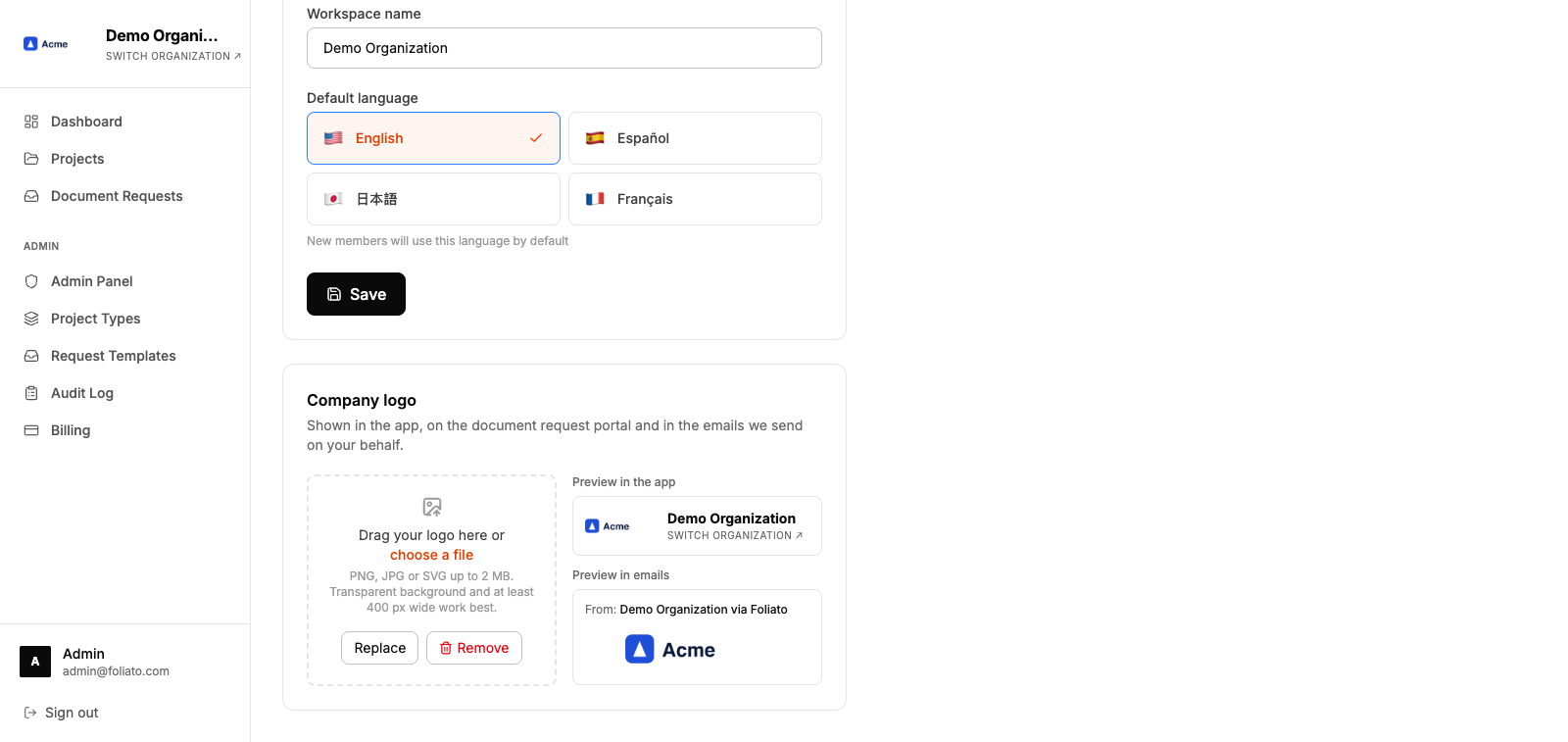
Upload your company's logo so your team and the people you request documents from recognize your communications as your own. The logo appears in the app's sidebar, on the document request portal and in the emails Foliato sends on your behalf, which come from "Your company via Foliato" and reply straight to the person who sent them.
Only the OWNER or an admin of the organization can upload, replace or remove the logo.
- 1Go to Admin → Settings and scroll to "Company logo".
- 2Drag a PNG, JPG or SVG of up to 2 MB, or click "choose a file". A transparent background and at least 400 px wide work best.
- 3Check the previews of the app and of an email. The logo is applied right away.
- 4To change it, click "Replace". To go back to the Foliato branding, click "Remove".
Delete an organization
Only the OWNER can delete an organization. Deletion is permanent and removes all projects, documents and invitations.
- 1Open Admin → Settings.
- 2Scroll to the "Danger zone" section.
- 3Click "Delete organization" and confirm by typing the org name.